
INSTALLING MISP ON UBUNTU 22.4
MISP
AUTOMATED INSTALLATION
NOTE: For seamless result, run script on a freshly installed ubuntu 22.04 server.
See HERE for details on how to install ubuntu 22.04 server vm.
IMPORTANT For the script to run effectively, your server must meetup with the minimum requirements
4 CPU
16 GB RAM
sudo apt update
CHECK THE AVAILABLE INSTALLER OPTION
cd /opt
Run the below script
wget --no-cache -O /tmp/INSTALL.sh https://raw.githubusercontent.com/MISP/MISP/2.4/INSTALL/INSTALL.sh
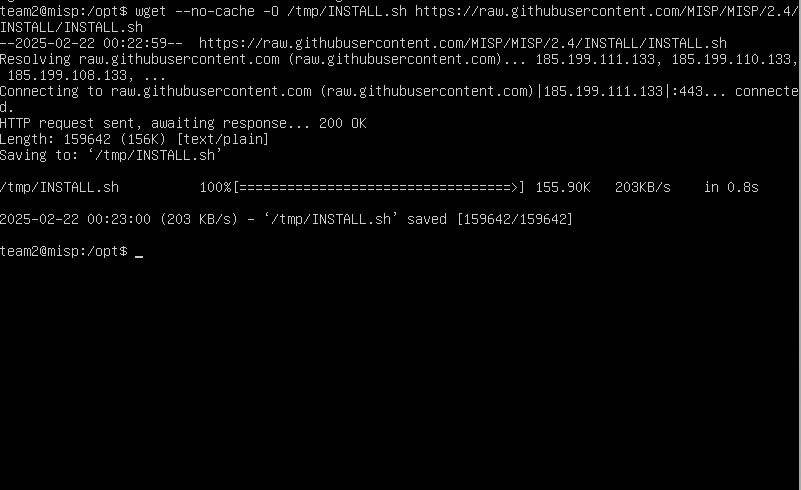 Confirm Available Options
bash /tmp/INSTALL.sh
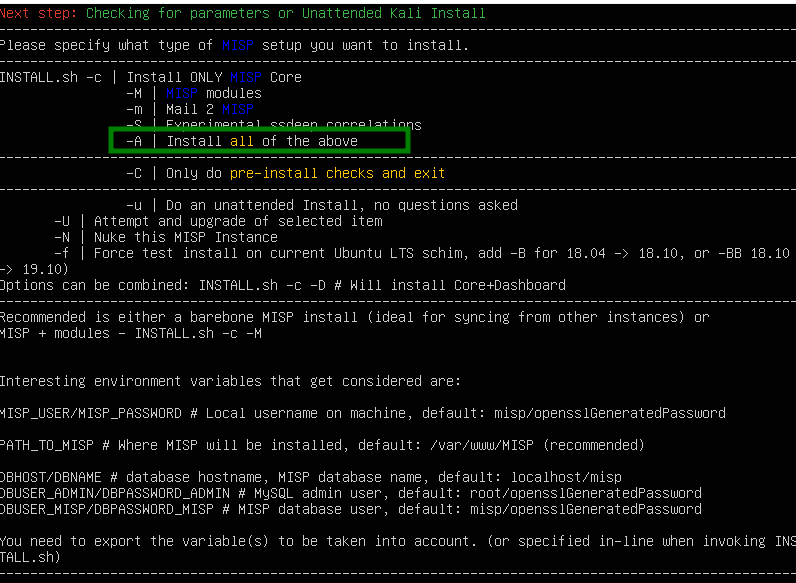
INSTALL THE COMPLETE MISP PACKAGE
bash /tmp/INSTALL.sh -A
NOTE: The installation process will take some time to complete, please exercise some patience and wait for it to run successfully.
User Creation
During the installation, you'll be prompted about the absence of the user "MISP" you can either choose "YES" to create the user of "NO" In this case, we choose yes to create the user.
Finalising Installation
Upon completion, if you created the user “misp” you’ll be automatically logged in as “misp”
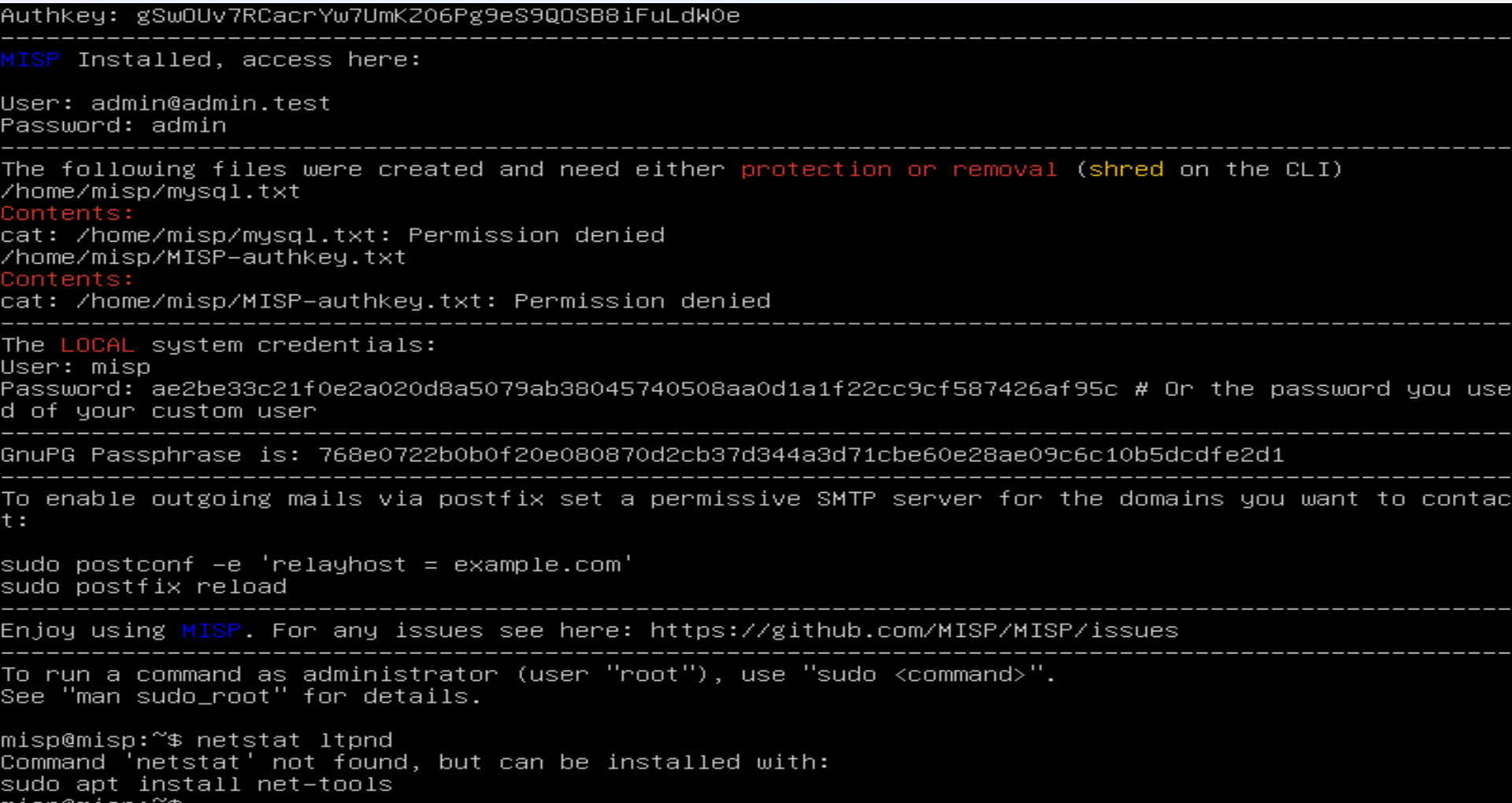
Setup user password.
sudo passwd misp
Enter your desired password after the prompt.
Accessing the Dashboard
Enter the ip address of the MISP VM in your browser
Initial Login Credential
Username:  admin@admin.test
Password: admin
Create a new password when prompted.
HAVE FUN!!
 Integrating Cortex and MISP with Thehive