
INSTALLING THEHIVE ON UBUNTU 22.4
THE HIVE
AUTOMATED INSTALLATION
NOTE: For seamless result, run script on a freshly installed ubuntu 22.04 server.
See HERE for details on how to install ubuntu 22.04 server vm.
IMPORTANT For the script to run effectively, your server must meetup with the minimum requirements
4 CPU
16 GB RAM
Open your Ubuntu 22.04 server and run the following commands.
sudo apt update
sudo apt upgrade
RUN THE AUTOMATED SCRIPT PROVIDED BY THEHIVE
wget -q -O /tmp/install.sh https://archives.strangebee.com/scripts/install.sh ; sudo -v ; bash /tmp/install.sh
A warning might pop up
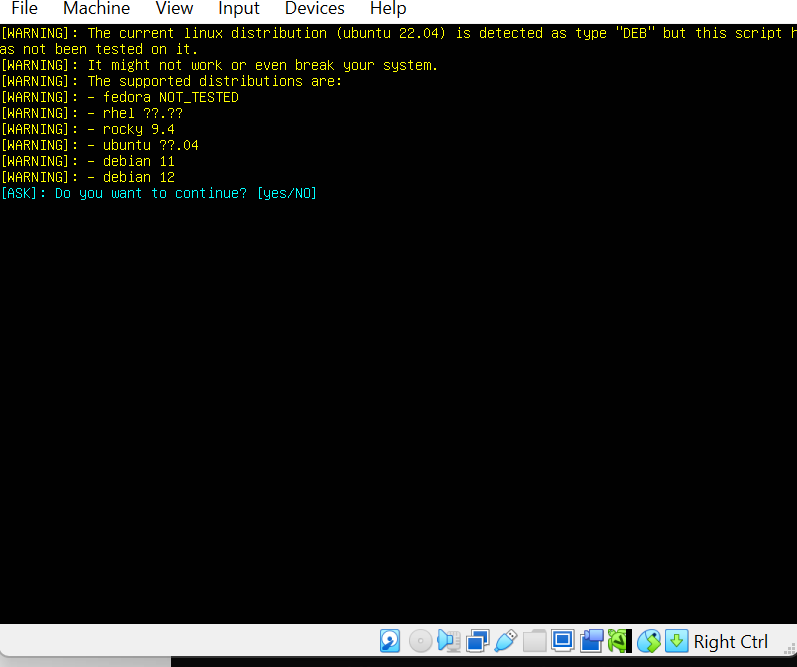
Type **yes**
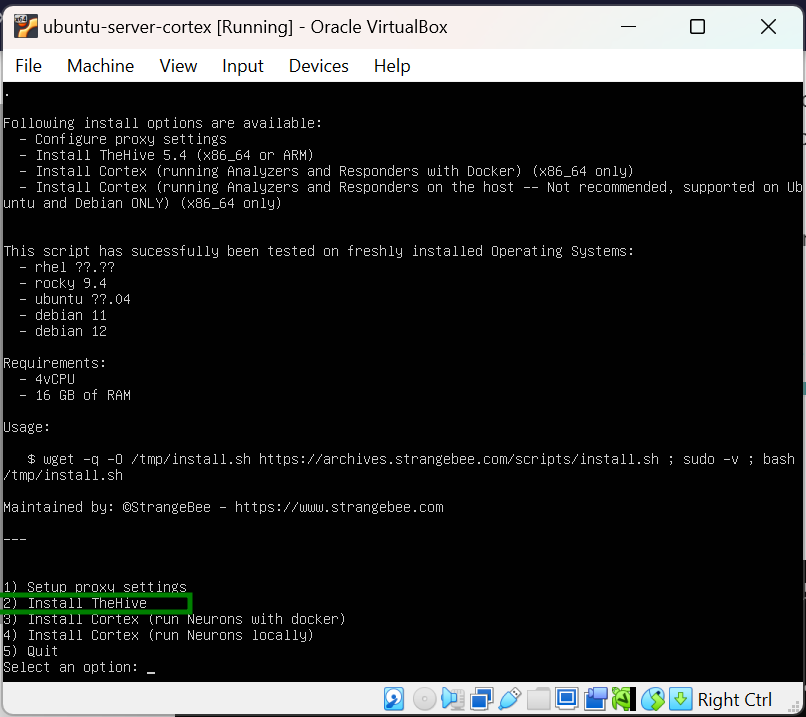
In the installation option displayed, select Install thehive
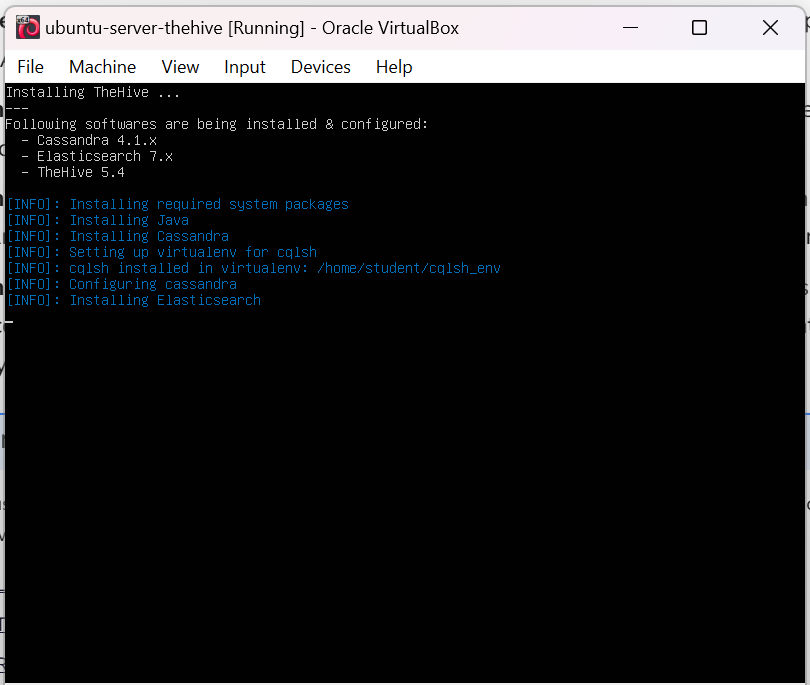
Allow the automated installation take place.
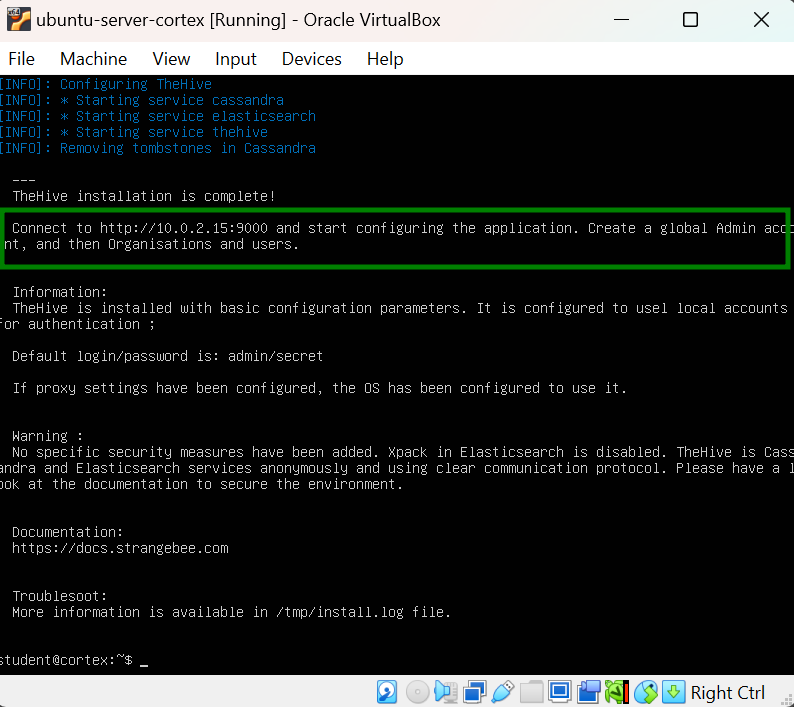
Access thehive dashboard using the provided login data
 .
.
Username: admin
Password: secret
 SETTING UP AN UBUNTU SERVER VM